⏱️ Read Time: 3 Mins
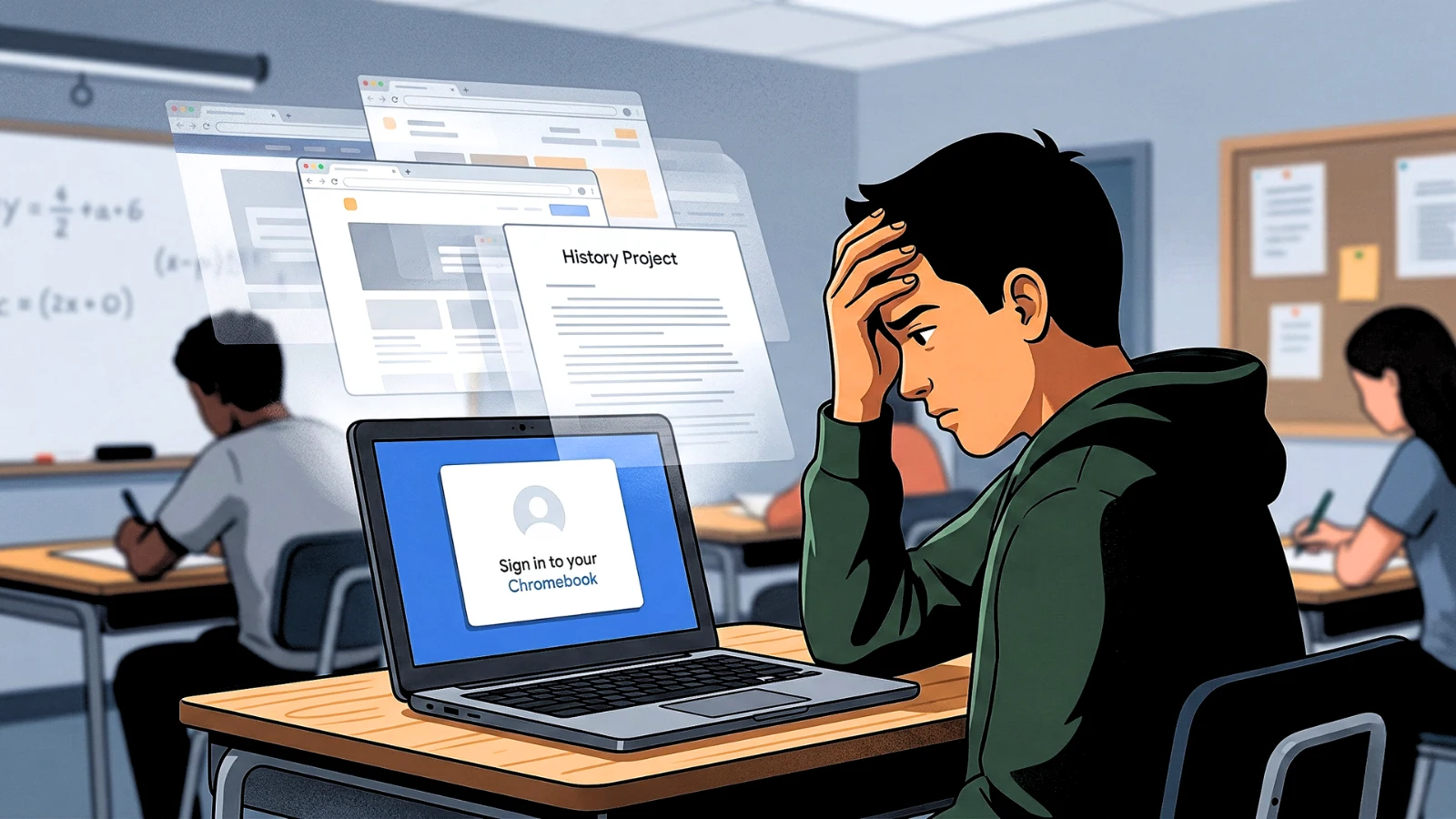
A Chromebook suddenly dumping a student back to the login screen mid-assignment feels like a severe hardware crash. It isn’t. The device is not broken, and it is not glitching. In most cases, it is executing an intentional, remotely enforced security command.
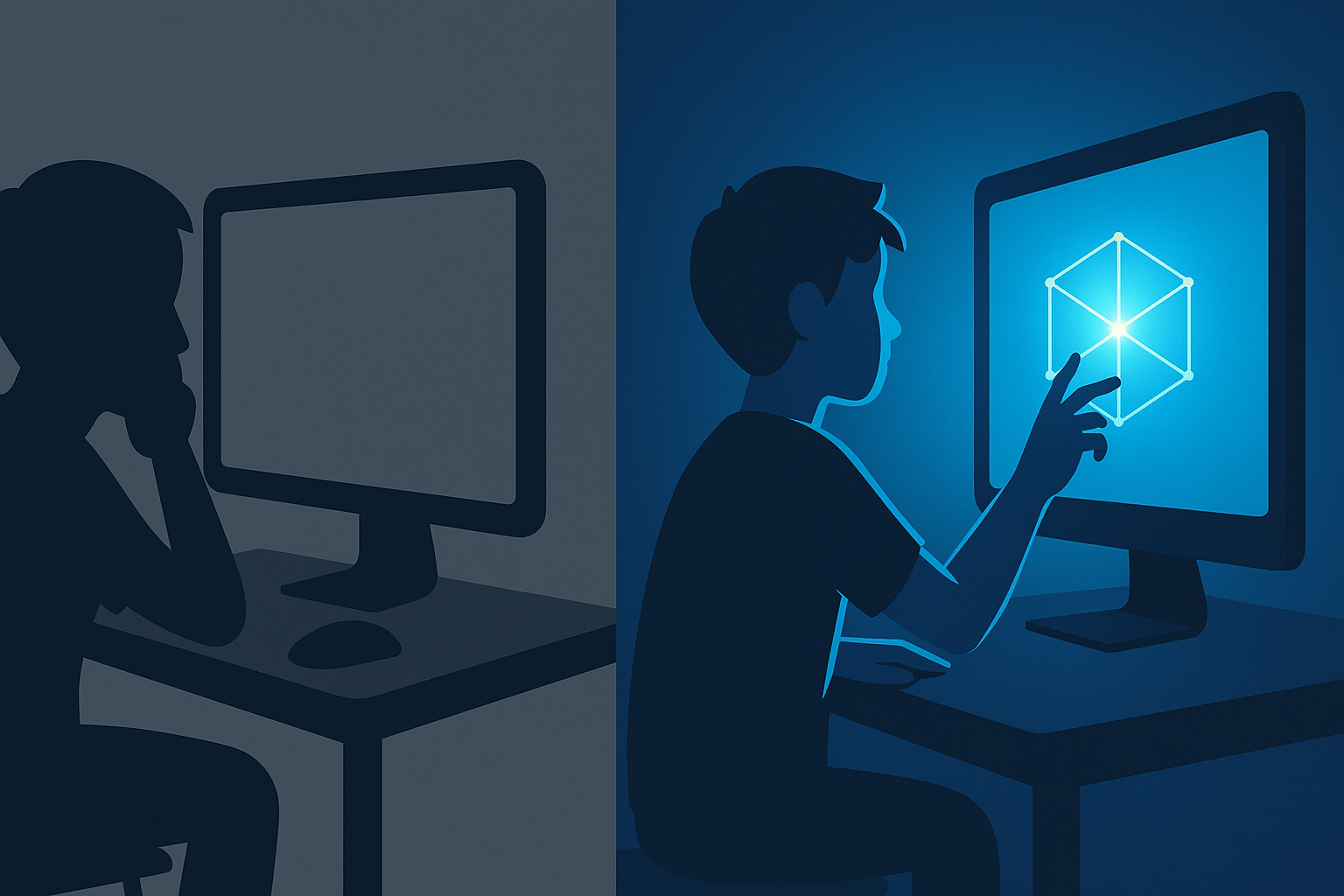
Returning to a clean, brightly lit login screen proves the motherboard and battery are functioning perfectly. The operating system actively processed a command to kill the session.
The reality of remote admin timers
School-managed laptops do not operate like personal devices. They are locked network terminals governed entirely by the district’s Google Admin console. Network administrators set strict background rules that completely override local user actions.
One of the most aggressive policies is the idle timeout rule. To preserve network bandwidth and enforce security compliance, devices are programmed to log out if they do not detect constant physical input.
If a student spends fifteen minutes reading a long PDF or watching an assigned video without moving the trackpad, the backend timer simply expires. The system assumes the laptop is unattended and forces an immediate exit, wiping the active session instantly.
The multiple account conflict
The operating environment on a managed Chromebook is built to isolate and protect school data. A massive percentage of abrupt logouts stem directly from students attempting to bypass this by running personal Google accounts simultaneously.
When a device detects a personal Gmail account trying to sync background extensions or access restricted features within a managed session, the security protocol triggers a failure.
Instead of freezing the specific unauthorized action, the Chromebook defaults to a hard security reset. It terminates the entire user session to protect the managed environment, kicking the student out without a warning or an error code.
Network drops and expired tokens
Chromebooks rely on a continuous, uninterrupted handshake with Google’s authentication servers to keep a profile active. They are thin clients that require constant server validation.
In a crowded classroom where thirty devices are fighting for the same wireless access point, brief network micro-drops are inevitable. When a Chromebook loses its server connection for too long, the internal security token expires.
Once the Wi-Fi finally reconnects, the device realizes the previous session token is no longer valid. To prevent unauthorized access, it immediately forces a fresh login to verify the user’s identity.
In some cases, school-installed monitoring extensions like GoGuardian or Securly can also force session resets if they detect conflicts or fail to sync properly.
What actually reduces the disruption
Students cannot open a settings menu and disable an admin-enforced logout timer. Clearing the browser cache or rebooting the machine will never override a cloud-based district policy.
However, removing the localized triggers drastically cuts down on the forced resets. The absolute most effective change is maintaining a strict, single-account environment. Stripping all personal Google accounts from the device permanently stops the background security conflicts that trigger sudden session kills.
If the logouts are tied to a struggling network handshake, forcing the device to completely disconnect and reconnect to the school Wi-Fi directly on the login screen establishes a clean connection before the profile loads.
Practical Actions That Stop The Resets
Students cannot disable an admin timer or override a cloud policy by clearing the cache. The most effective way to reduce constant forced logouts is to strip all personal Google accounts from the device entirely.
Maintaining a strict, single-profile educational environment prevents the background security conflicts that trigger sudden session kills.
If the issue is tied to network drops, completely disconnecting and reconnecting to the school Wi-Fi on the main login screen forces a clean server handshake before the profile loads. Operating exactly within the strict parameters of the managed network is the most reliable fix.
Fighting a managed Chromebook is a losing battle. The architecture is built to prioritize network security over user convenience. If the district dashboard tells a device to lock down after ten minutes of inactivity, it will lock down, even if work is actively in progress.

Sarah Johnson is an education policy researcher and student-aid specialist who writes clear, practical guides on financial assistance programs, grants, and career opportunities. She focuses on simplifying complex information for parents, students, and families.