⏱️ Read Time: 3 Mins
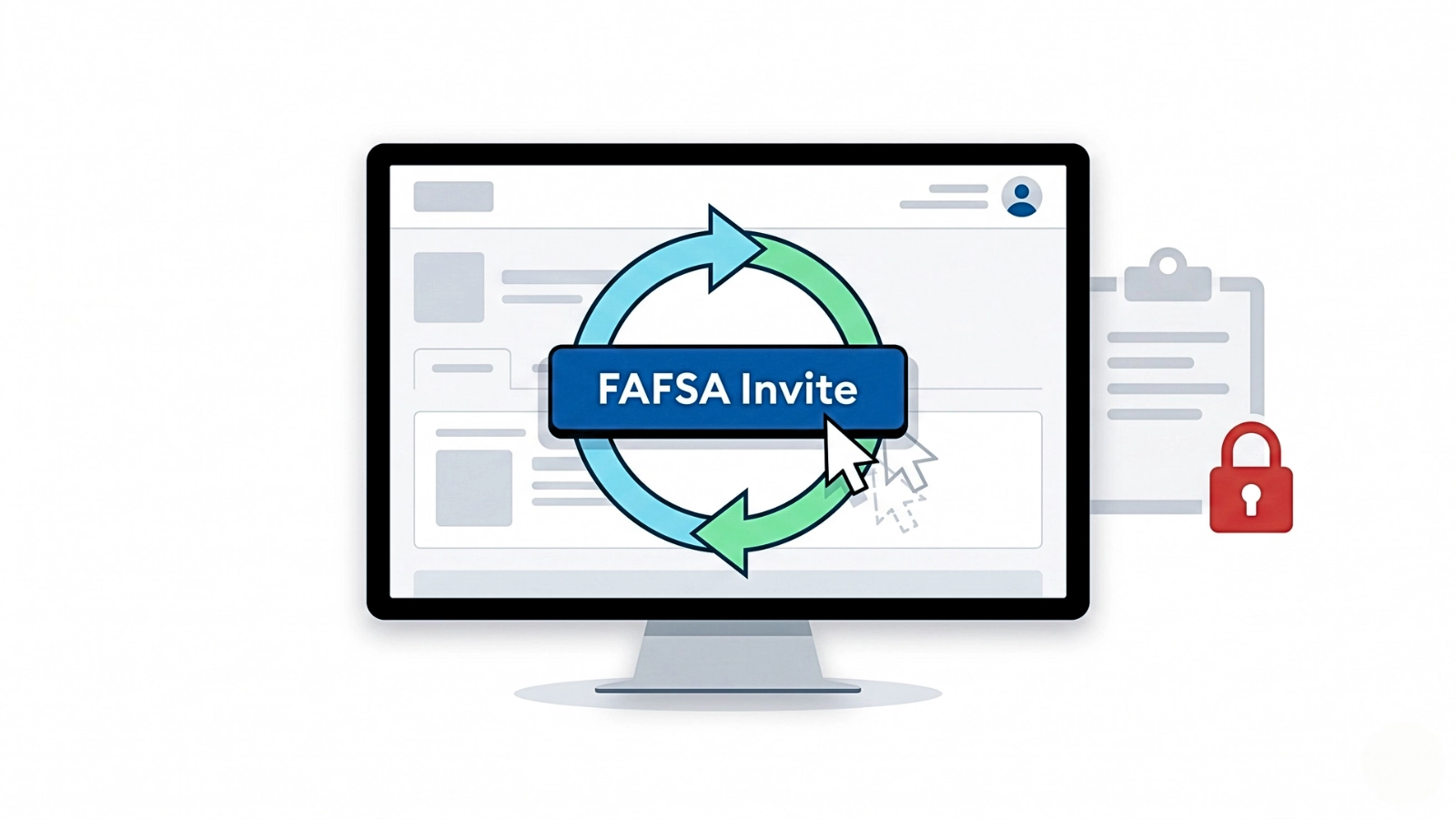
The 2026 FAFSA contributor invite link is an endless loop disguised as a functioning button. You click “Accept Invitation,” log in, and land on a blank dashboard instead of the student’s form. There is no error code. There is no warning. The invite disappears from the process entirely.
The Silent Authentication Drop
The login succeeds, but the invite context doesn’t carry through the redirect. You’re authenticated, but the system loses the link between your account and the student’s form. You close the tab, click the email link again, and the exact same cycle repeats. This is a session failure. Repeating the click does nothing.
Why the Redirect Keeps Breaking
This is a browser data collision. The Federal Student Aid site relies heavily on cached session tokens.
If you have ever logged into studentaid.gov on that browser before, old cookies intercept the invite link. The system reads that session data, drops the contributor token, and redirects you to the default landing page.
Mobile email apps like Gmail or Apple Mail open links in isolated in-app browsers. These browsers block shared session data, which breaks the FAFSA login handoff instantly.
Forcing a Clean Session
This isn’t fixed from the front end. You have to reset the session. Standard troubleshooting like refreshing the page or hitting the back button does absolutely nothing here. You have to strip away the conflicting data.
The Raw Link Extraction
Clicking directly from an email client is the fastest way to trigger the loop.
Right-click or long-press the “Accept Invitation” button and select “Copy Link Address.”
Open a new Incognito window on a desktop, paste the link, and load it directly. This forces a clean session without the email app interfering.
- FAFSA Parent Without SSN? Manual Entry Fix That Actually Works
- FAFSA Contributor Mismatch Error Blocking Login? Fix It Fast
- FAFSA Not Submitting? Quick Checks Before You Miss Deadlines
- FAFSA Submitted But No Aid Offer Yet? What’s Actually Happening
- FAFSA TransUnion Verification Not Working? Fix Identity Check Failure
Targeted Cache Purge
If the Incognito method fails, your browser may still be holding onto a broken redirect path. You need a targeted reset.
Go to Site Settings or Cookies and Site Data. Search for ed.gov and studentaid.gov, delete only those entries, restart the browser, and try again.
The Exact Match Trapdoor
Sometimes the browser is clean, but the loop persists because the invite data doesn’t match the contributor’s FSA account exactly.
Even small differences like “Avenue” vs “Ave” break the match silently and send you back to the dashboard.
The student must log in, delete the pending invite entirely, and verify every single character of the contributor’s official profile. Middle initials, exact name spacing, and punctuation must be identical. Once verified, send a completely new invitation.
Bypassing the Token Handoff
When the invite link refuses to execute the redirect regardless of the browser or cache state, abandon the email. The link is just a shortcut, and right now, that shortcut is dead.
Have the contributor log directly into their own studentaid.gov account using a clean desktop browser. Navigate manually to the “My Activity” section of the dashboard. In a functioning system, the pending invitation will populate there, waiting to be accepted.
If the system registered the invite but broke on the email link, it will be sitting in that queue. Clicking it from inside an already authenticated session bypasses the login redirect completely, bridging the two accounts without relying on the broken email token.

Sarah Johnson is an education policy researcher and student-aid specialist who writes clear, practical guides on financial assistance programs, grants, and career opportunities. She focuses on simplifying complex information for parents, students, and families.