⏱️ Read Time: 4 Mins
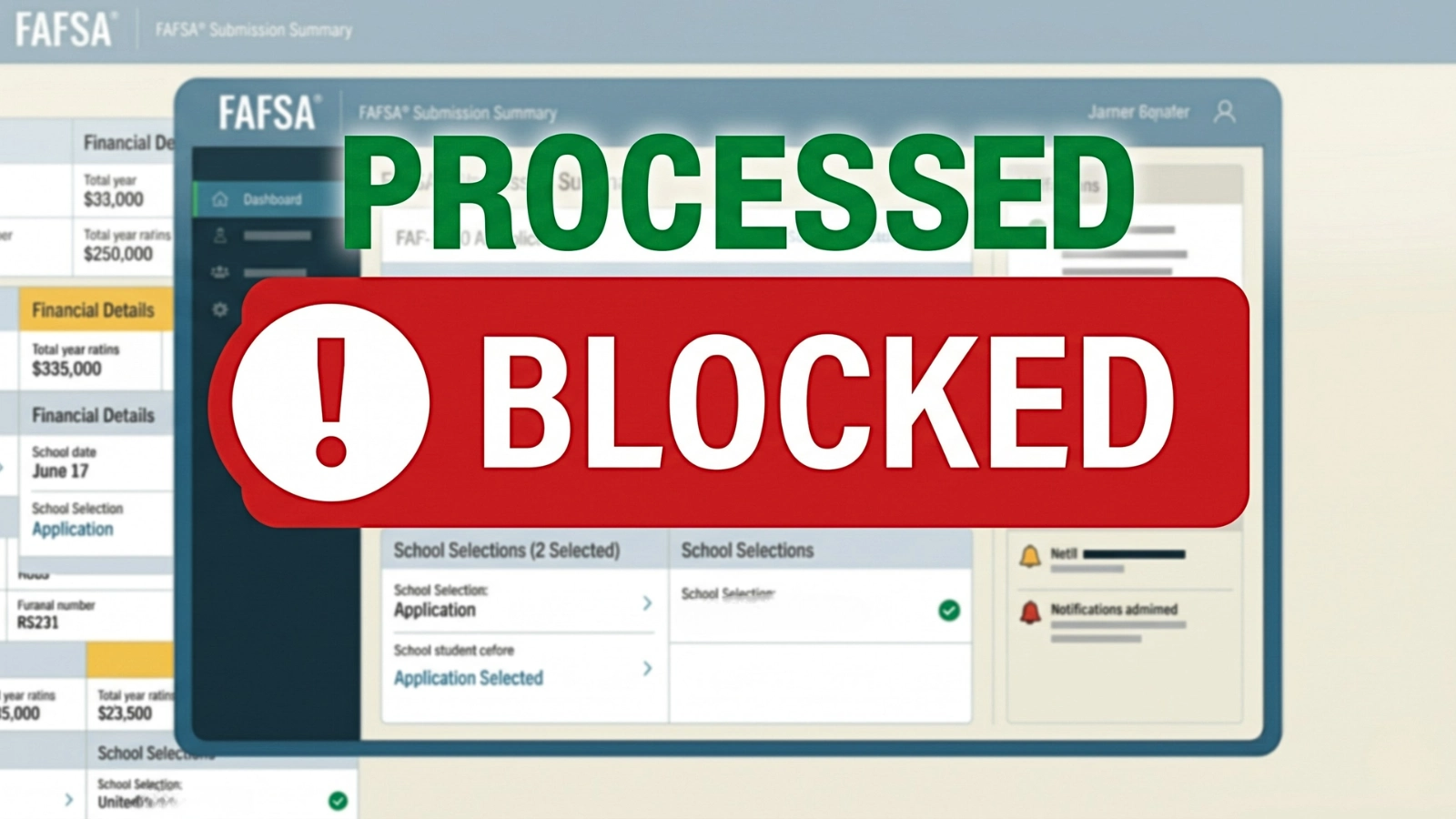
Most applicants assume seeing a “Processed” status means their financial aid form is moving to the final review phase. In reality, the application is completely frozen the moment the camera disconnects. A system-level update implemented in April 2026 fundamentally changed the processing logic of federal financial aid. The platform no longer waits to audit files after they are safely in the database.
The infrastructure now runs active, real-time identity tracking while the user is simply navigating the form fields. The algorithm silently evaluates the session and categorizes the applicant into a specific risk tier.
When a user triggers the high-risk threshold, the standard questionnaire abruptly vanishes. The platform seamlessly redirects the session to a mandatory, high-security identity confirmation module.
The Single-Session Verification Limit
The system demands immediate, unrestricted access to a live camera. The prompt requires the user to hold up a valid, physical government ID directly to the lens for facial matching.
The core rule of this security module is clear: the verification is designed to be completed in one continuous session, with only a short window to retrieve identification. There is no digital save state and no pause button.
If the lens cannot focus on the microprint, the browser drops camera permissions, or the user navigates away to find a driver’s license, the module breaks. The connection severs immediately.
This is where the interface severely misleads the applicant. Instead of deleting the form, the platform pushes the broken session through the submission pipeline anyway.
The user dashboard updates to show the application as successfully received and processed. The applicant waits for a financial aid package, completely unaware that their file is already quarantined.
The Mechanics of the Silent Rejection
The FAFSA camera verification failed event actively prevents the system from calculating a valid Student Aid Index (SAI). Without this critical metric, the resulting Institutional Student Information Record (ISIR) is entirely useless.
The backend processor attaches FAFSA reject code 74 directly to the digital record. This marker explicitly communicates that the high-risk fraud screening was triggered, but the applicant failed to satisfy the visual check.
To reinforce the block, the system stamps the file with Comment Code 355. This secondary code alerts the destination college that the verification session was specifically abandoned or technically disrupted.
The form is categorized as processed, but it processes as a rejected anomaly. The college’s financial aid software immediately isolates the ISIR the second it hits the institutional servers.
- FAFSA Identity Verification Failed? Fix TransUnion Check Issues
- FAFSA Contributor Invite Not Working? Fix Access Loop Fast
- FAFSA Parent Without SSN? Manual Entry Fix That Works
- FAFSA Not Submitting? Quick Checks Before You Miss Deadlines
- FAFSA Submitted But No Aid Offer Yet? What’s Actually Happening
- FAFSA Estimate Doesn’t Match Aid? Why Numbers Change
- FAFSA Contributor Mismatch Error? Fix Login Blocking Issue
Why You Can’t Fix This Yourself
The immediate reaction to a stalled application is logging back into the portal to correct the mistake. The user frantically searches for a document upload portal or a link to restart the camera sequence.
The system intentionally provides neither. The updated platform architecture explicitly revokes the applicant’s ability to resolve the identity failure through the consumer-facing dashboard.
Once the FAFSA application blocked reality takes hold, the digital verification route is walled off. The user cannot clear the error independently, and the system may prevent submitting a new application while the original remains unresolved.
The portal traps the application in a state of suspended animation. The error interface remains entirely opaque, offering no explanation other than a generic directive to contact the school.
How a Financial Aid Officer Fixes It
The digital deadlock intentionally shifts the entire burden of proof to the physical world. The application can only be salvaged by a human Financial Aid Administrator (FAA) at the destination college.
The resolution requires direct contact with the financial aid office. The protocol mandates presenting the exact physical government ID that the digital camera failed to capture, often requiring an in-person visit.
The administrator then takes over the verification process, operating far outside the applicant’s view. They access a restricted government database known as the FAFSA Partner Portal.
Inside this portal, the FAA locates the specific rejected transaction. They act as the only personnel authorized to evaluate the physical ID and execute the FAA Fraud Override command.
What Actually Resets the Application
This override is not a simple administrative checkbox. It operates as a highly specific security command that countermands the initial real-time identity failure flagged by the algorithm.
Executing the override forces the Department of Education processing system to scrub the rejection codes. The central engine generates an entirely new, clean transaction from the original data.
The hard block is finally lifted, and a valid ISIR containing an SAI pushes to the school’s financial aid software. The packaging process can finally begin.
Until that exact override command registers in the portal, the application remains paralyzed. The digital form exists purely as a hollow placeholder, waiting for a human to force the system open.
What Actually Clears the Block
The portal does not provide a way to complete identity verification after the session fails. Clearing the block requires stepping outside the dashboard and contacting the college’s financial aid office.
The process shifts to physical verification. The applicant must present a valid government ID for identity confirmation.
Only a Financial Aid Administrator can intervene. They access the restricted partner system, verify the identity, and execute the FAA Fraud Override.
That override removes the rejection codes and forces the system to generate a new valid ISIR, allowing the application to move forward for aid processing.

Sarah Johnson is an education policy researcher and student-aid specialist who writes clear, practical guides on financial assistance programs, grants, and career opportunities. She focuses on simplifying complex information for parents, students, and families.