Published: December 7, 2025
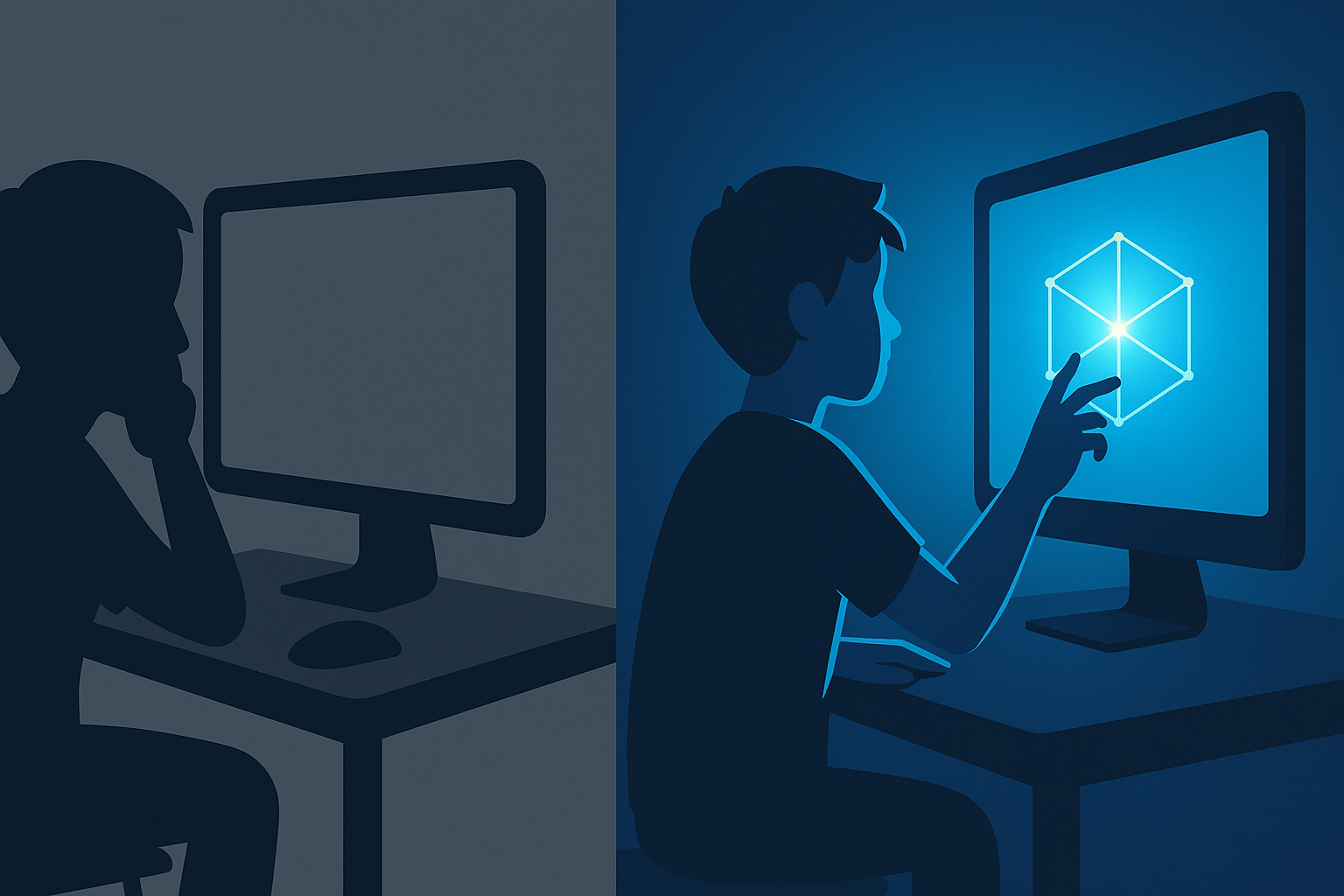
For more than a decade, the average classroom has relied on Wi-Fi systems designed for phones and laptops that needed little more than basic connectivity. In 2026, that standard is breaking.
District technology teams report a rapid move toward Wi-Fi 7, driven by rising device counts, new state testing platforms, and the surge of classroom tools that require real-time data flow.
The result is a structural shift in how schools think about networking. What used to be a “nice-to-have” upgrade is becoming part of core instructional infrastructure.
Why Wi-Fi 6 Can’t Keep Up
The average K-12 classroom now supports nearly thirty active devices at once. That includes tablets, laptops, smartboards, proctors’ consoles, and AI-driven accessibility tools.
Older networks were built for predictable demand. Today’s classrooms produce traffic spikes that resemble small offices. Streaming, cloud-based assessment systems, and live collaboration platforms all compete for bandwidth.
IT administrators say the issue is not just speed. It is stability. A momentary network slowdown can disrupt an exam, disconnect a student from a reading tool, or lag an interactive lesson running on an EDLA-certified panel.
Wi-Fi 7’s biggest appeal is its ability to maintain performance under pressure, especially during peak device usage.
The Bandwidth Oversaturation Problem
Schools have been adding new technologies faster than they have been upgrading their networks. The result is oversaturation.
A typical middle school may have more than a thousand devices connected during a single testing period. When older routers attempt to manage that load, packet collisions increase, causing sudden performance drops.
Districts describe this as the “invisible bottleneck.” Teachers think a tool is broken, but the problem is the wireless layer struggling to handle congestion.
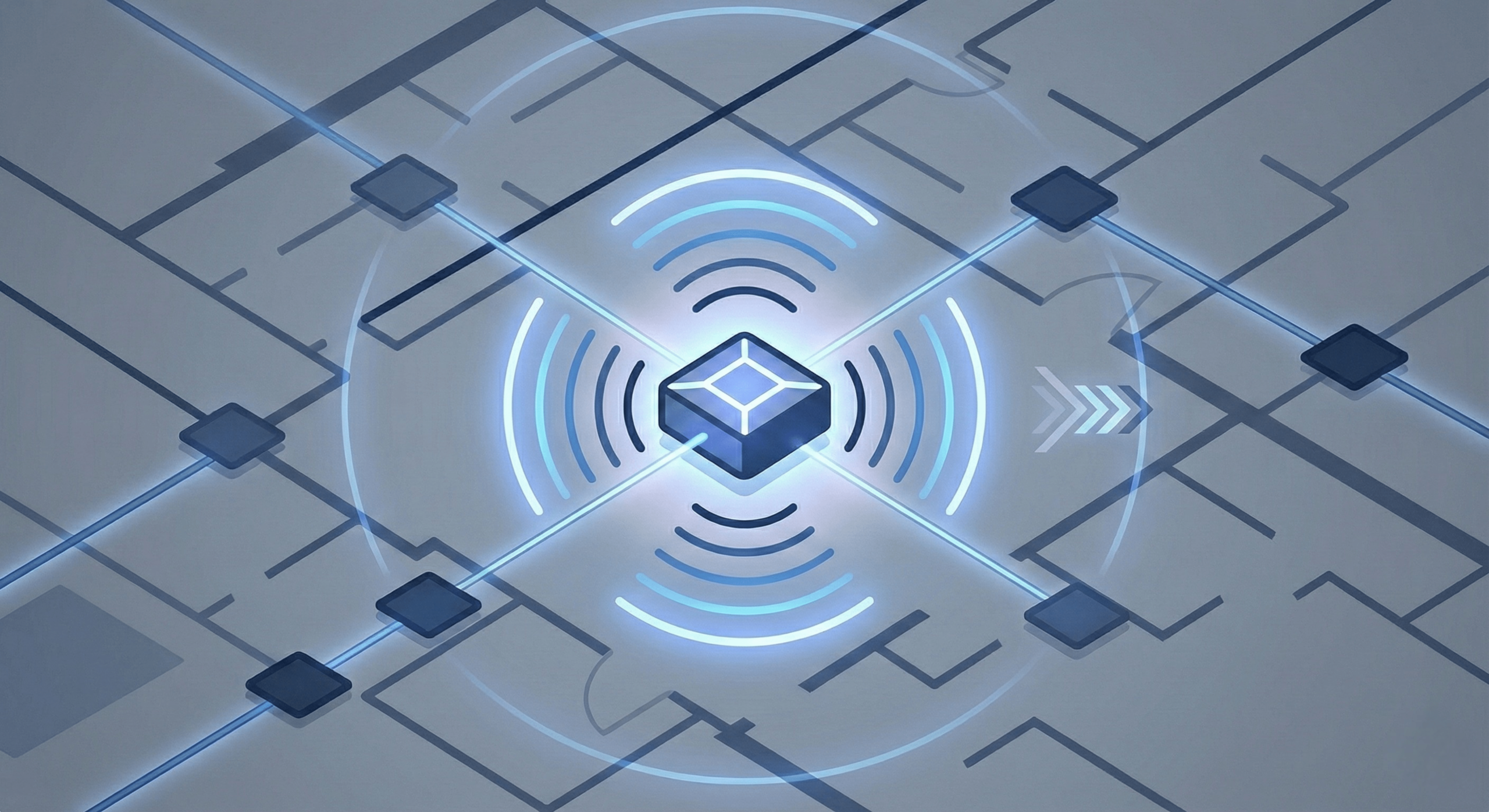
Wi-Fi 7’s multi-link operation allows devices to use multiple channels at once, reducing delays that were common in earlier generations.
The Assessment Pressure
Standardized testing has quietly become one of the biggest drivers of the upgrade cycle.
In the past, assessments were downloaded and installed locally. Today, many states run cloud-based platforms that stream questions, track responses in real time, and require consistent connectivity.
Testing interruptions can trigger retakes, reporting delays, and manual interventions by staff. Several districts note that network reliability has become as important as the testing software itself.
This operational risk is pushing administrators to prioritize Wi-Fi 7 as part of their five-year digital learning plans.
The Classroom Hardware Wave
The shift to Wi-Fi 7 is also tied to a broader refresh of classroom equipment.
Modern EDLA-certified interactive panels, 1:1 student devices, and transcription tools rely on continuous, low-latency connections.
Schools adopting these newer tools often find that their existing networks become the weak point in the system.
Upgrading to Wi-Fi 7 ensures that classroom hardware performs as designed, especially during collaborative lessons that involve simultaneous cloud interactions.
Security as a Core Requirement
School networks face increasing cybersecurity pressure. Districts must manage student data, staff credentials, vendor integrations, and state reporting systems across thousands of endpoints.
Wi-Fi 7 is part of a multilayered security move that includes device authentication, traffic segmentation, and remote network monitoring. Its architecture allows districts to implement more granular controls without slowing down the system.
Network directors describe this shift as similar to the migration toward secure, enterprise-licensed classroom apps. The priority is predictable performance within a managed, compliant environment.
What Schools Are Buying
The market is consolidating around several requirements for 2026.
Access Points: Wi-Fi 7 hardware with multi-link and deterministic scheduling features for high-density classrooms.
Coverage: Replacing older ceiling APs with newer models capable of handling overlapping traffic from thirty or more devices.
Management: Cloud dashboards that allow district IT teams to push updates across all campuses simultaneously.
Capacity: Routers capable of scaling for upcoming device expansions, including next-generation interactive panels and assessment tools.
What Students and Teachers Will Notice
The shift will not feel dramatic. Instead, it shows up in the way everyday tasks simply work.
Interactive lessons load without lag. Assessment platforms stay stable during peak periods. Cloud-based note-taking tools and learning apps remain responsive even with heavy classroom traffic.
Teachers report fewer disruptions, and students experience smoother access to digital resources.
School Aid Specialists provides independent reporting on education technology trends. We are not affiliated with the U.S. Department of Education or any hardware manufacturer. For specific network requirements, consult your district’s technology department.

Sarah Johnson is an education policy researcher and student-aid specialist who writes clear, practical guides on financial assistance programs, grants, and career opportunities. She focuses on simplifying complex information for parents, students, and families.