Published: January 4, 2026
If you need the email templates immediately, scroll down to the “Copy/Paste Scripts” section.
The new Ohio cell phone rules (Jan 2026) are strict, but they are not absolute. Federal guidelines (ADA and IDEA) generally take precedence over state policy when documented correctly.
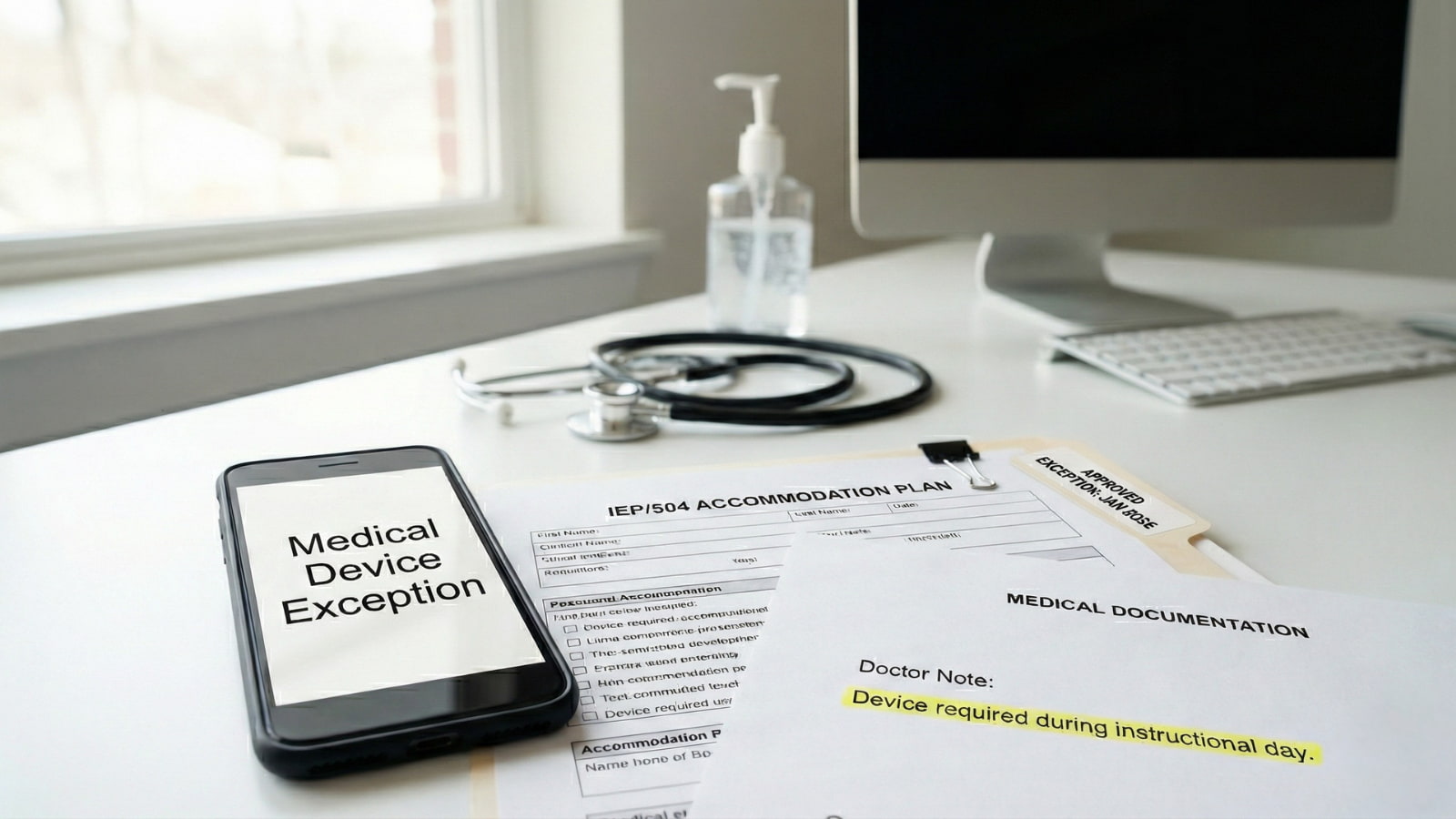
If your child has a medical condition (diabetes, cardiac monitoring) or a documented learning need (IEP/504), the school generally must accommodate their device, provided you have the right paperwork on file.
Don’t just “ask” for permission. Here is how to properly document the exception request.
DO THIS FIRST (The “Paper Trail” Rule)
Never rely on a verbal “It’s okay” from a teacher. Teachers change, and substitutes don’t know the rules.
- Get it in Writing: If it isn’t in the IEP or 504 plan, it often doesn’t exist to the school.
- Update the Plan: Request a “504 Review Meeting” immediately to add the specific device (e.g., “Student requires smartphone for Dexcom alerts”).
- Carry a Copy: Print the exceptions page and put it in your child’s backpack. If a substitute teacher tries to confiscate the phone, your child has proof.
The “Federal Shield”: Why They Should Say Yes
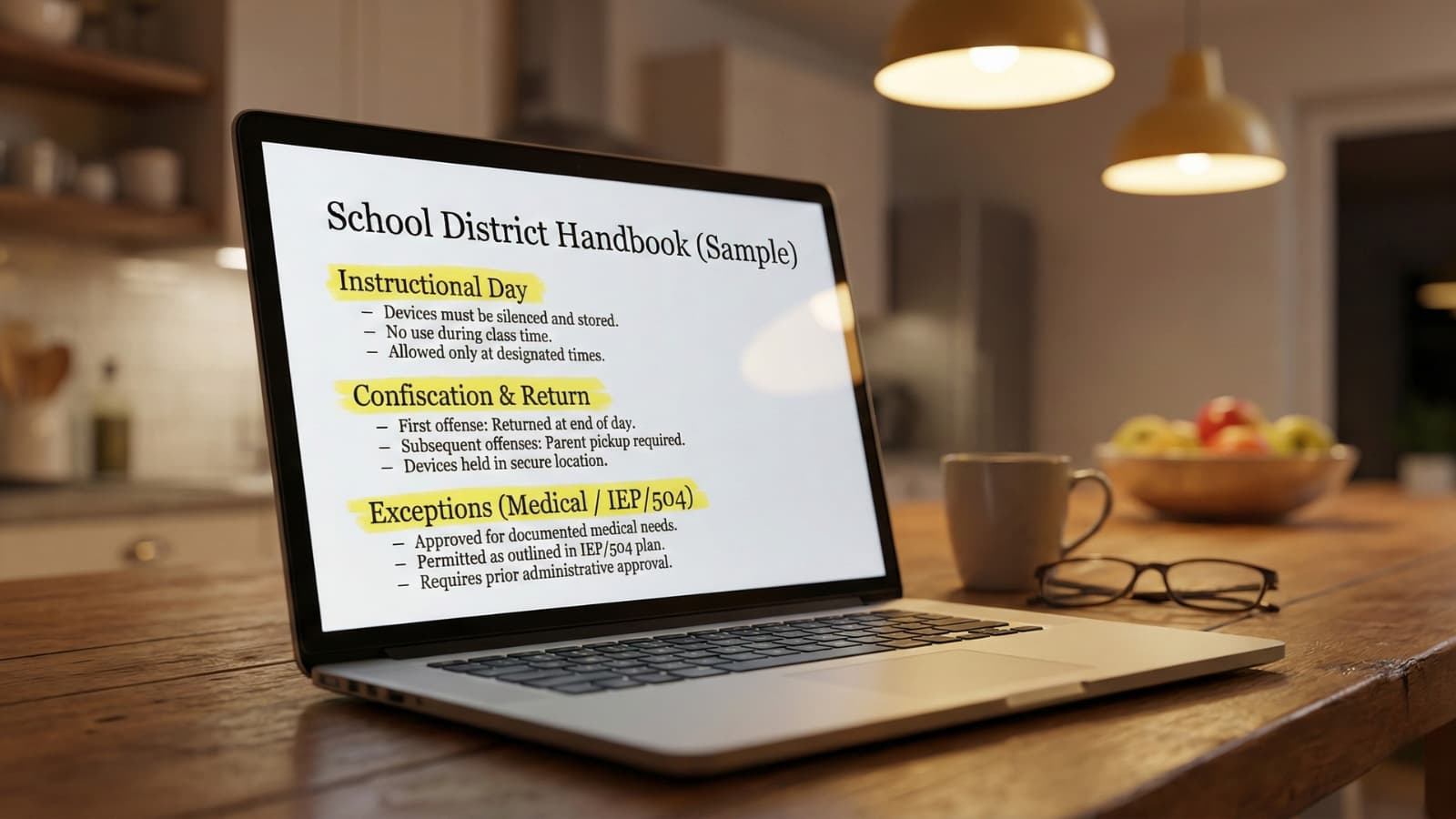
Ohio’s new state requirement allows schools to ban phones, but it generally includes a “compliance with federal law” clause.
What this means for you:
- Medical: Protected under Section 504 of the Rehabilitation Act. If a device is required to manage a life-sustaining condition (diabetes, seizures), schools typically must accommodate it.
- Special Education: Protected under IDEA. If a phone is listed as “Assistive Technology” in an IEP, taking it away may deny the student a “Free Appropriate Public Education” (FAPE).
The Trap: You must prove the phone is the medical device. If the school offers a standalone receiver (like a dedicated Dexcom reader), they may require you to use that instead of a smartphone. You need a doctor’s note stating why the smartphone specifically is required (e.g., “Data sharing with parent/nurse cloud”).
Exception 1: Medical Monitoring (Diabetes, Heart, Anxiety)
For conditions like Type 1 Diabetes, POTS, or severe anxiety, the phone is often viewed as a medical tool, not a toy.
The Paperwork Packet You Need:
- Doctor’s Order: A letter from your specialist (Endocrinologist/Cardiologist) explicitly stating: “Student requires continuous access to cellular-enabled smartphone for [Condition] monitoring and data transmission.”
- Individual Health Plan (IHP): Work with the school nurse to create an IHP that lists the phone as “Required Medical Equipment.”
- Emergency Protocol: Define exactly what happens if the phone battery dies or signal is lost.
Exception 2: IEP & 504 Accommodations
This is for students who use phones for executive function, anxiety management, or text-to-speech tools.
The “Magic Words” for the IEP: Do not just write “Student can use phone.” Be specific to avoid arguments.
- Bad: “Allowed to use phone for breaks.”
- Good: “Student requires access to personal mobile device for [Specific App, e.g., Calm/Google Keep] as a self-regulation and organizational tool. Device will remain face-down on desk when not in active use.”
Copy/Paste Email Scripts
Use these templates to start the process formally. Send these to the Principal and Case Manager/School Nurse.
Script A: The Medical Exception Request
Subject: Medical Accommodation Request – [Student Name] – Cell Phone Policy
Dear Principal [Name],
I am writing to formally request a medical exception to the cell phone policy for my child, [Student Name], due to their diagnosis of [Condition, e.g., Type 1 Diabetes].
[Student Name] utilizes their smartphone as a medical device for [Specific Use, e.g., continuous glucose monitoring and sharing real-time alerts with the school nurse and parents]. Removing this device poses a direct health safety risk.
Attached is a letter from Dr. [Doctor Name] confirming this medical necessity. Please confirm via email that [Student Name] is permitted to keep their device with them during instructional time effective immediately.
Regards, [Parent Name]
Script B: The IEP/504 Update Request
Subject: IEP/504 Amendment Request – [Student Name]
Dear [Case Manager Name],
In light of the new January 2026 cell phone restrictions, I am requesting an immediate amendment to [Student Name]’s [IEP or 504 Plan].
The current plan relies on [Specific Tech/Coping Skill] which requires access to their mobile device. To ensure compliance with the new building policy, we need to explicitly list “Personal Mobile Device” as an approved Assistive Technology accommodation in the IEP.
Please let me know when we can finalize this addendum to prevent any disruption to [Student Name]’s accommodations.
Regards, [Parent Name]
What If They Refuse?
If the principal says “No,” do not argue verbally.
- Forward the email to the District Director of Special Education (for IEPs) or the Section 504 Coordinator.
- Ask for the denial in writing: “Please provide the specific reason for this denial in writing so I can include it in my records.”
- Escalate: If you are denied, ask for the denial in writing and escalate to the district 504 coordinator / special education office.
What To Do Today
- Call the Doctor: Get the medical letter faxed today.
- Send the Email: Use the scripts above to create a time-stamped paper trail.
- Train Your Child: Teach them to say, “This is a documented medical device,” if a teacher tries to take it.
Disclaimer: General info only. Your district policy and your child’s written plan control.

Sarah Johnson is an education policy researcher and student-aid specialist who writes clear, practical guides on financial assistance programs, grants, and career opportunities. She focuses on simplifying complex information for parents, students, and families.