🔄 Last Updated: March 20, 2026
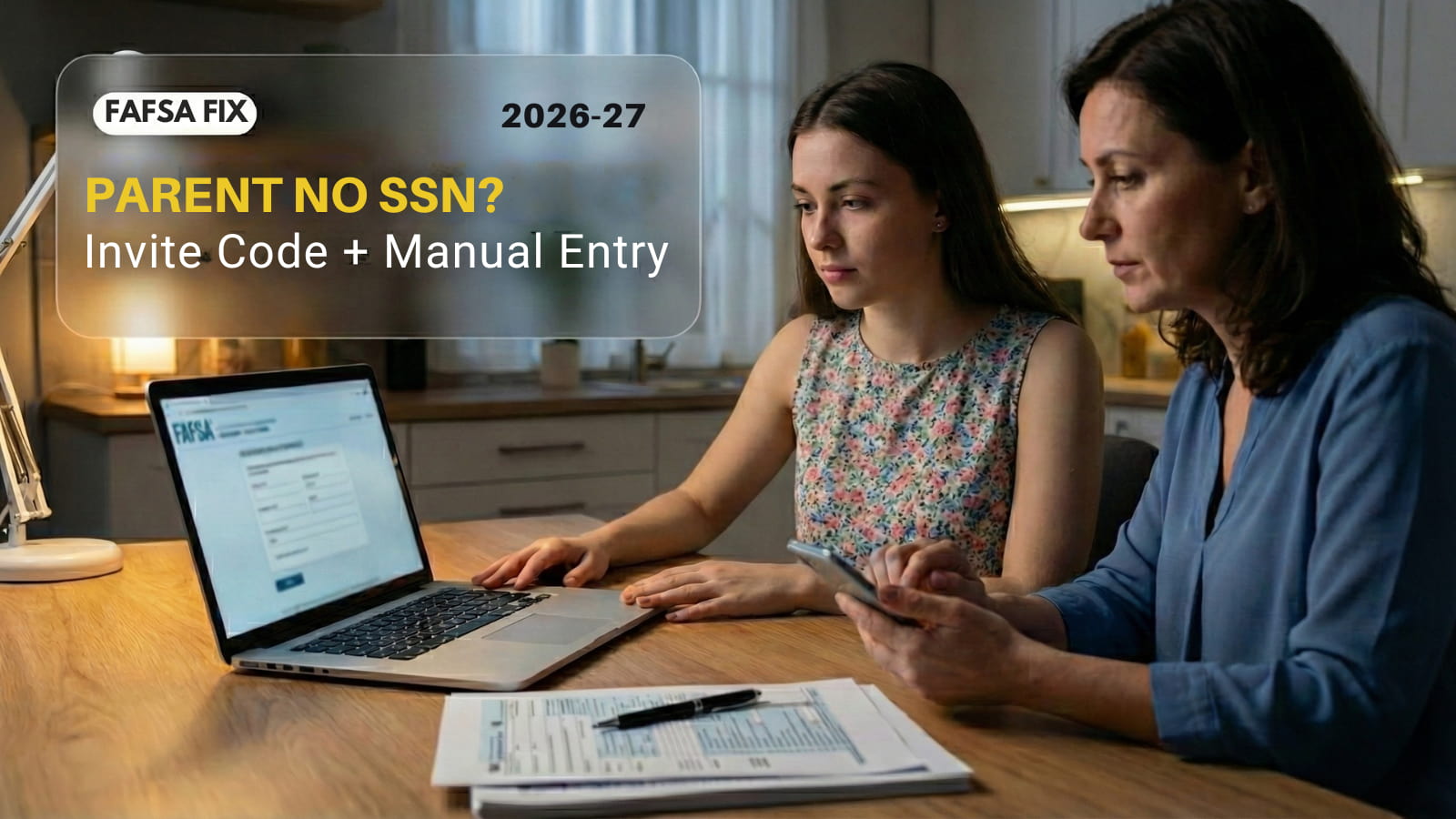
Stuck because your parent doesn’t have a Social Security Number (SSN)?
If your parent doesn’t have an SSN, FAFSA doesn’t just slow down — it breaks in very specific ways. Most guides don’t explain what’s actually breaking.
You are likely facing three specific roadblocks: a parent with no SSN, an invite code that isn’t working, or a sudden need for manual entry.
On the 2026–27 FAFSA, the automatic tax transfer (IRS Direct Data Exchange) often fails in this situation. When it does, you don’t “lose aid”, you switch to Manual Entry and keep moving.
Do this now so you can submit as soon as possible to avoid missing aid deadlines.
Done with FAFSA?
Once your form is submitted, don’t stop there. Check if you qualify for additional repayment programs and deadlines here:
Student Loan Repayment Programs Deadlines (Up to $50K–$120K Relief)
Step 1: Get the FAFSA “Invite Code” (Skip the Missing Email)
The first hurdle is getting your parent into the system. Often, the invite email never arrives, or the link is broken.
The Fix: Do not wait for the email.
1. Log into your Student account at StudentAid.gov.
2. Go to the “My Activity” section.
3. Find your 2026-27 FAFSA form.
4. Copy the “Invite Code” listed next to your parent’s name.
Text that code to your parent. They can use it to log in instantly.
Quick check: If your parent says “I don’t see anything,” make sure they are logged into their own StudentAid.gov account (not yours) before entering the code.
Seeing a “Personal Information” Error?
If the invite code fails, you might have a data mismatch. Read our guide on how to
Fix FAFSA Contributor Mismatch Errors.
Step 2: The “No SSN” Checkbox (Real Talk)
When your parent creates their account, the form asks for their SSN. This is where most people crash the application.
Real Talk: An ITIN is not an SSN. If you put an ITIN in the SSN box, you are begging for errors.
- Leave the SSN field BLANK.
- Check the box that says: “I do not have a Social Security Number.”
If identity verification pops up and blocks you, try logging out and logging back in on a Desktop Computer (Chrome or Edge). Mobile browsers fail more often during verification.
Why This Breaks (and Why You’re Getting Stuck)
This isn’t just a “no SSN” issue. The FAFSA system literally can’t match your parent inside its databases, and that’s where things start breaking.
- Invite code not working: The system tries to verify your parent but can’t find a proper SSN match, so the invite either fails or keeps looping.
- IRS data not pulling: No SSN = no clean match with IRS records. FAFSA just disables auto-fill and doesn’t explain it properly.
- Random “something went wrong” errors: Even small mismatches in name or DOB can block the whole flow.
So no, you didn’t mess up. The system just isn’t built well for this case. That’s why manual entry is the only reliable way through.
If You Try to Enter ITIN Instead
- FAFSA treats it like an SSN
- Verification fails
- Your parent gets stuck or flagged
- The invite process breaks again
That’s why you leave SSN blank and use the “No SSN” option. Anything else just creates more errors.
Step 3: Enter Tax Data Manually (Use Your 1040)
Since FAFSA can’t match your parent without an SSN, it won’t pull tax data automatically — you have to enter it yourself.
Grab your parents’ 2024 Federal Tax Return (Form 1040). Don’t guess. Copy the numbers exactly from the lines below. Whole dollars only.
Use These Exact 1040 Lines:
- Adjusted Gross Income (AGI): Line 11
- Income Tax Paid: Line 24
- Wages/Income: Line 1z
- Untaxed Pensions: Line 5a minus Line 5b
Step 4: Sign and Submit (Troubleshooting)
Once the manual numbers are in, go to the Signature Page. If the “Sign” button is grayed out, try these fixes in order:
1. Kill the stupid stuff
Turn off Ad Blockers for StudentAid.gov and refresh the page. Yes, this actually matters.
2. The Browser Trick
Zoom out your browser to 80% (Ctrl + Minus Key). Sometimes the “Scroll to Bottom” sensor is buggy, and zooming out reveals the checkbox.
3. Last Resort (Print & Mail)
If the site gives you a printable signature option, you can print that page, sign with a wet pen, and mail it. Note: This takes weeks to process, so only use this if online submission is impossible.
Form won’t send?
If the button clicks but nothing happens, check our list of
5 Quick Checks for FAFSA Not Submitting
.
FAQ
Where do I find the FAFSA invite code if the email never shows up?
Log into your StudentAid.gov account, open your FAFSA under “My Activity,” and you’ll see the invite code next to your parent’s name. Copy it from there. Don’t wait for the email — it often never arrives.
My parent has no SSN — can we still finish the FAFSA?
Yes. You can still complete it, but the system won’t verify your parent automatically. That’s why you’ll need to use manual entry instead of the IRS data transfer.
Why is the FAFSA invite code not working for my parent?
This usually happens because the system can’t match your parent’s identity without an SSN. Even small mismatches in name or date of birth can break the invite process.
Should I enter an ITIN in the SSN field on FAFSA?
No. That causes verification to fail. Leave the SSN blank and select the “No SSN” option instead, otherwise the system can lock you out.
What tax numbers do I need for FAFSA manual entry?
You’ll need your parent’s 2024 Form 1040. Specifically: AGI (Line 11), tax paid (Line 24), wages (Line 1z), and any pension differences. Enter them exactly as shown.
Why does FAFSA break when a parent doesn’t have an SSN?
Because the system relies on SSN matching across databases. Without it, identity verification and IRS data transfer fail, so FAFSA forces you into manual entry instead.
Don’t Miss the Deadline:
Submitting the FAFSA is only step one. Check the payout amounts in our guide:
Cal Grant 2026-27 Deadline: How Much You Can Get
.

Sarah Johnson is an education policy researcher and student-aid specialist who writes clear, practical guides on financial assistance programs, grants, and career opportunities. She focuses on simplifying complex information for parents, students, and families.