
🔄 Last Updated: February 23, 2026
⏱️ Read Time: 5 Mins
Walk into a university library right now, and you might spot a strange new behavior.
A student is staring at a 40-page chemistry PDF. They aren’t highlighting text, and they aren’t typing notes.
They are wearing headphones, nodding, and suddenly tapping their screen to say, “Wait, back up. Explain that bond again, but compare it to a magnet.”
The voices in their ears stop, acknowledge the interruption, and re-explain the concept using the exact analogy requested.
This isn’t a tutoring call or a traditional study group.
It is Google NotebookLM, a document-grounded AI research tool More specifically, students are leveraging the Interactive Mode for Audio Overviews.
The days of passively listening to AI-generated summaries are fading. Now, users direct the show.
Passive Listening is Declining
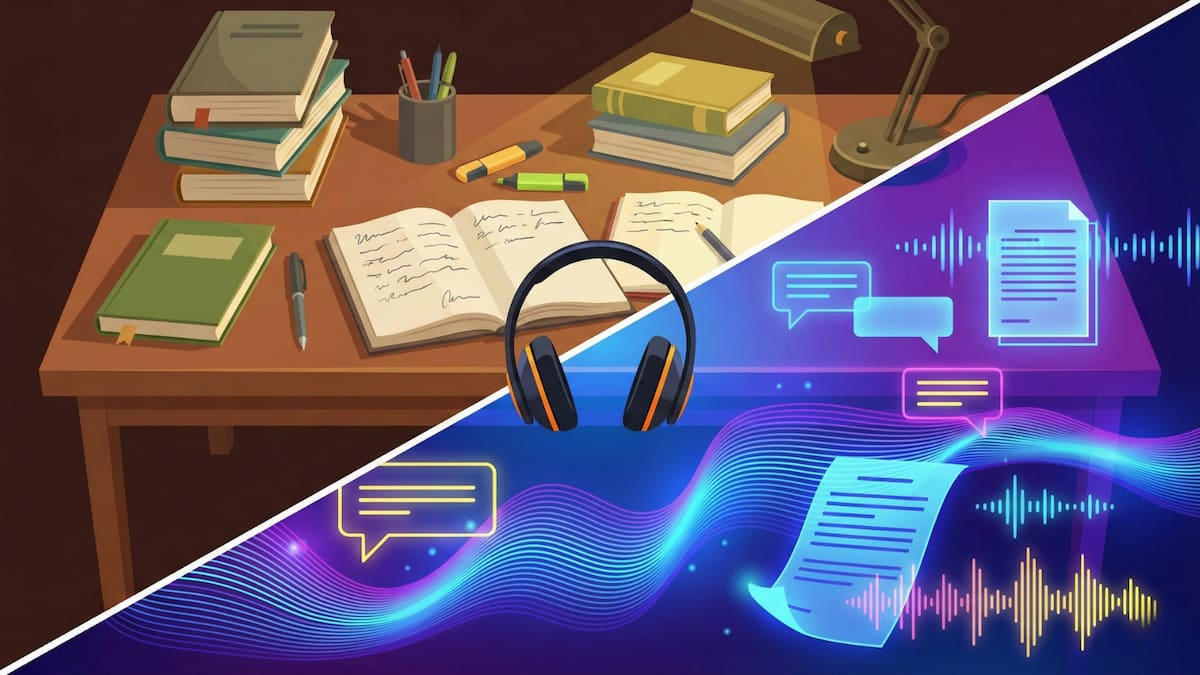
When the platform first dropped Audio Overviews in late 2024, it was treated as a novelty.
Users uploaded a stack of reading material, and the AI generated a synthetic, banter-filled dialogue between two hosts summarizing the key points.
It was impressive, but it functioned like a static MP3. You pressed play, and you got what you got.
Traditional Studying vs. NotebookLM Interactive Mode Study Flow
| Traditional Study Method | NotebookLM Interactive Mode |
|---|---|
| Highlighting text | Interruptible AI audio |
| Static note summaries | Real-time voice clarification |
| Manual concept linking | AI-generated cross-topic connections from uploaded documents |
| Desktop-bound reading | Mobile audio through official iOS and Android apps |
| Passive review | Active debate-style learning |
Interactive Mode expanded in late 2024, and official mobile apps for NotebookLM became available in 2025, making the system fully portable across devices.
Students are no longer tied to a desktop or a fixed script. The audio generation is now dynamic and mobile.
If the AI hosts glaze over a complex nuance in the Versailles Treaty, the user can tap their phone and ask for a deep dive.
If the banter gets too chatty, a quick command, “Focus only on the dates and names”, strips the fluff instantly.
It turns study material into a live radio call-in show where the student is the producer, director, and sole audience member.
📘 Deep Dive Context
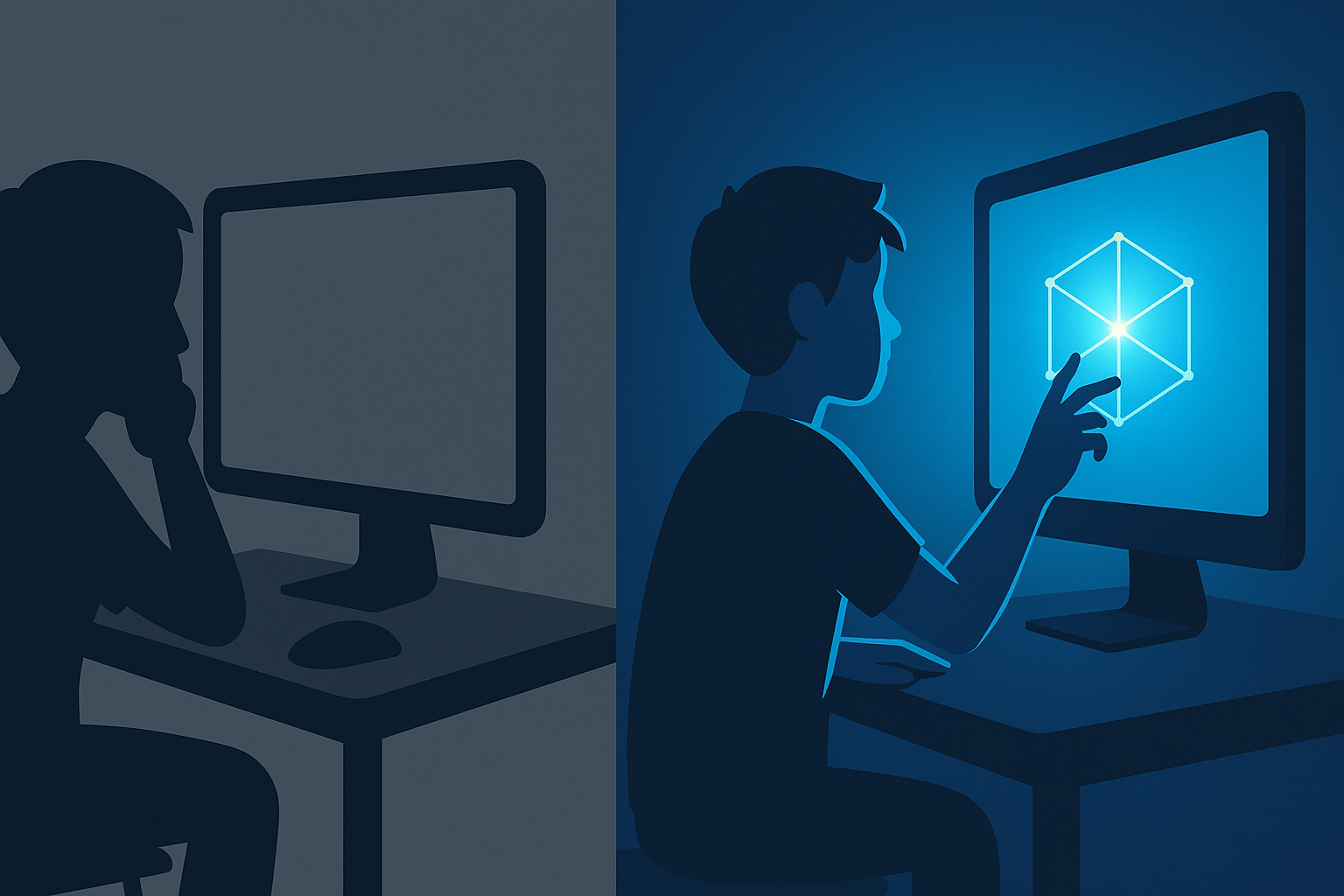
The shift to interactive learning tools appears to be a natural response to the “Digital Use Divide.”
Recent data suggests passive screen time often correlates with lower retention. Read our full analysis on the signs of
Silent Disengagement and why passive tech fails.
The Shift to Real-Time Interaction
The growing adoption stems from a desire for control over the study pacing.
Passive summaries from standard chatbots often miss the specific angle a professor emphasized in class.
By allowing real-time voice interruptions, NotebookLM solves the issue of generic, broad-stroke summaries.
A common tactic emerging this semester involves letting the AI hosts explain a topic, pausing them, and then explaining it back to test the logic.
It transforms reviewing notes from a solitary reading task into an active, vocal debate.
For the commuter student or the athlete with limited desk time, the mobile app creates a functional, eyes-free study environment.
Critical Prompts Force Deeper Learning
While many use the tool for basic overviews, power users input specific text commands before generating the audio.
A popular approach involves typing a variation of this prompt into the chat:
“Act as a skeptical professor. Roast the arguments in my uploaded notes and identify the three biggest gaps in my logic.”
When the user switches to the audio format, the two AI hosts actively debate and dismantle the weak points in the uploaded files.
This approach forces students to listen critically and defend their positions rather than just tuning out.
Educators Favor Closed-Loop Systems
Instructors are usually quick to block new AI shortcuts, but the reaction to this platform has been largely accepting.
The reasoning comes down to source material management.
Unlike open-ended chatbots that pull answers from the broader web, this system is grounded exclusively in the documents the user uploads.
This grounding creates a closed loop. If a student listens to a breakdown of a biology chapter, the system pulls strictly from that text.
For academic institutions, this shifts the focus from preventing AI use to ensuring the student’s input materials are high-quality.
Visual Learners Adopt Video Generation
While the audio features dominate mobile use, the 2025 integration of Video Overviews has captured a different demographic.
The interface can stitch together relevant charts, diagrams, and bullet points from uploaded slides into short-form videos.
These visuals play along with the audio summary, utilizing styles like “Whiteboard” or “Explainer.”
It remains functional rather than cinematic.
However, seeing a complex diagram pop up exactly when the audio host mentions a specific term is often enough to bridge a learning gap.
Late-Term Study Tactics Evolve
The tool frequently appeals to students facing tight deadlines or large volumes of unread material.
The ability to upload an entire semester’s worth of PDFs and ask the AI to map connections creates rapid synthesis.
It rewards the behavior of simply collecting the right materials, even if the student hasn’t fully digested them yet.
This creates a new digital competency: Source Curation.
The primary skill is no longer reading speed, but building the right digital library to feed the system for an accurate conversation.
Study Habits Look Different Now
If you see a student laughing while looking at a complex spreadsheet, they might just be listening to their AI hosts crack a joke about a data error.
The definition of studying is shifting from silent extraction to interactive conversation.
Educators are moving past the question of whether AI belongs in the study session.
The current challenge is ensuring course material is robust enough to survive being turned into an interactive podcast.

Sarah Johnson is an education policy researcher and student-aid specialist who writes clear, practical guides on financial assistance programs, grants, and career opportunities. She focuses on simplifying complex information for parents, students, and families.