
Published: January 4, 2026
If you need the script to ensure your message actually reaches your child, scroll to the “Office Script” below.
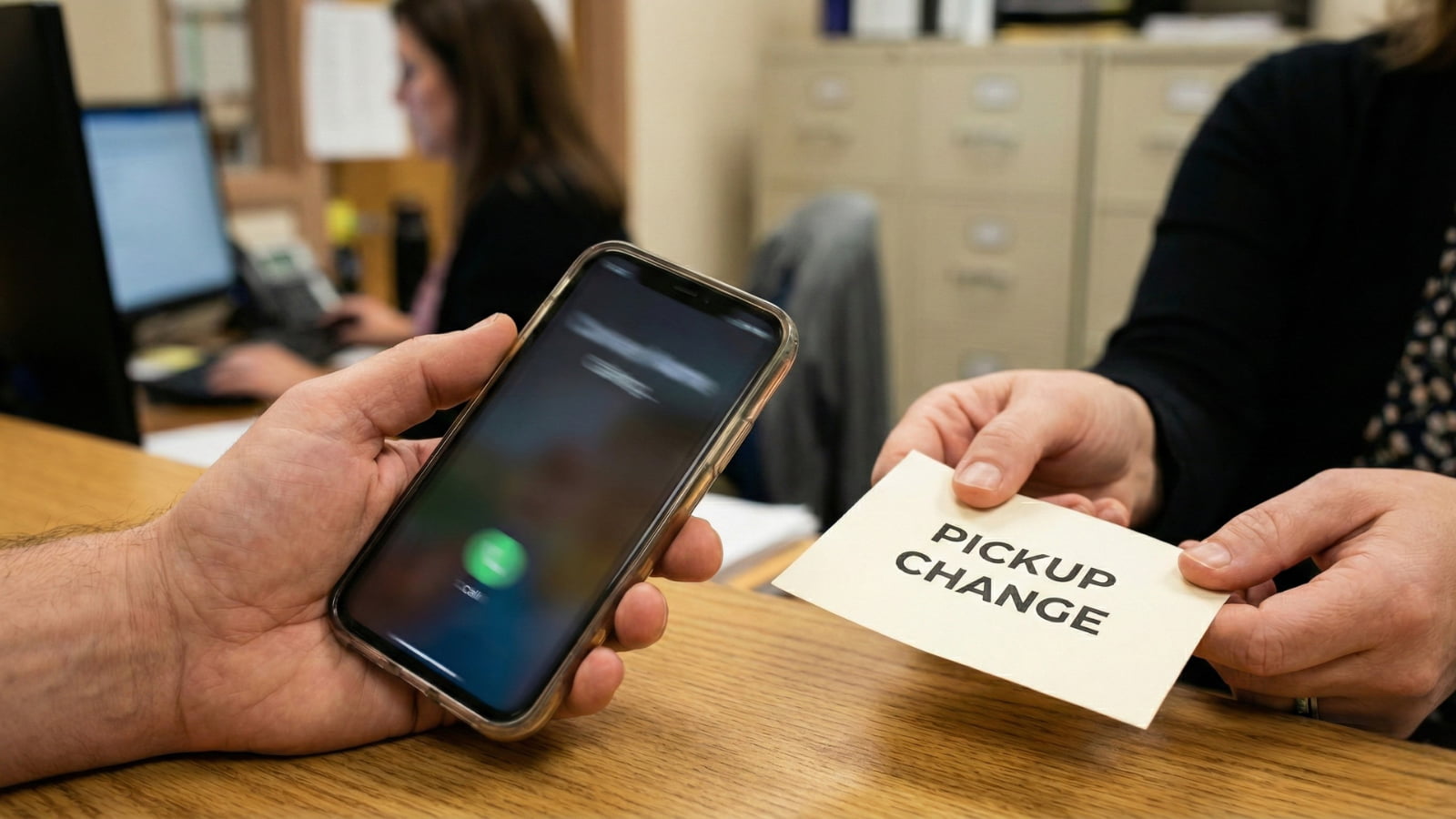
The hardest part of the new Ohio phone ban isn’t the classroom rule, it’s the logistics. For years, “I’m running late” or “Go to Grandma’s” was a simple text. Now, with phones locked away or banned “Bell-to-Bell,” that connection is severed.
So how do you communicate urgent changes without causing a scene?
Here are the new rules of engagement, the best workarounds, and the specific “Office Script” to ensure your message doesn’t get lost on a sticky note.
DO THIS FIRST (The “Backup Plan” Talk)
You cannot rely on ad-hoc texts anymore. You need a “Standing Order.”
- The “3:15 Rule”: Tell your child: “If I am not at the curb by 3:15 PM, do not wait outside. Go immediately to the [Library/Main Office] and ask to use the landline.”
- The Code Word: Give them a code word for “Real Emergency” so they know when to break the rules and find a phone.
Option 1: The Office Call (How to Do It Right)
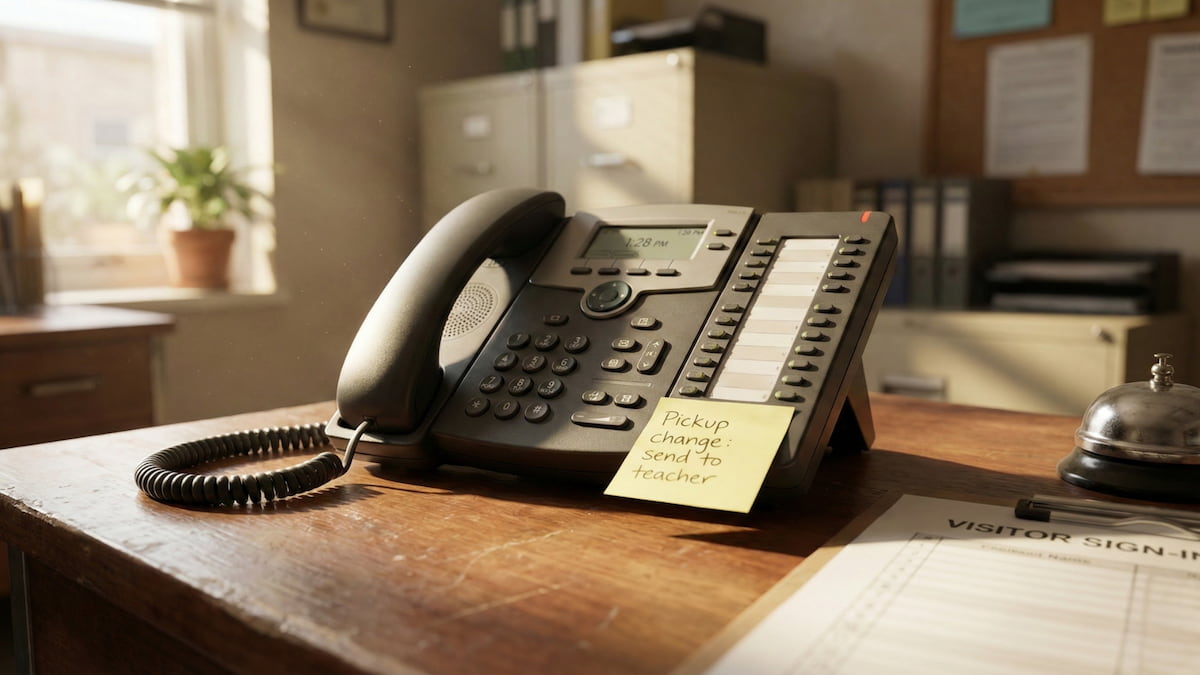
Calling the main office feels like going back to 1995. It is slow, and secretaries are overwhelmed. Messages often get missed.
The Danger Zone: Do not call during “Transition Times” (lunch or class changes). It is too chaotic. The Sweet Spot: Call at least 45 minutes before dismissal.
The “Message Delivery” Script Don’t just say, “Tell him I’m late.” Use this script to force accountability:
*”Hi, this is [Parent Name]. I need to get a pickup change message to [Student Name] in [Teacher’s Name] class.
The message is: ‘Go to the library after school.’
Critical Step: Can you please repeat that back to me? And can you confirm who will be delivering this note to the classroom?”*
Why this works: Asking “Who will deliver this?” makes the staff member mentally assign the task, increasing the odds it actually happens.
Option 2: The “Chromebook Loophole”
This is the secret weapon for 2026. While phones are banned, School Chromebooks are usually open for business.
- The Method: Most students check their school email (
student@district.edu) or Google Classroom notifications throughout the day. - The Strategy: Send an email with the subject line: “PICKUP CHANGE – READ NOW.”
- The Risk: Some districts block external emails (from Gmail/Yahoo) to students. Test this today. Send a test email to your child’s school account and see if they get it.
Option 3: The “Dumb” Watch Strategy
Many Ohio districts have banned Smartwatches (Apple Watch/Galaxy Watch) because they can text and browse the web. However, many policies allow “Fitness Trackers” or digital watches that do not have cellular data.
- Allowed: Fitbit (basic models), Garmin (non-LTE), Timex.
- Banned: Anything with a glowing screen that receives texts.
- The Workaround: Some “Hybrid” watches allow for pre-set vibration alerts (e.g., 3 buzzes = “I’m here”). It’s primitive, but it works without breaking the “No Communication Device” rule.
What About Emergencies?
This is where the panic sets in. “What if there is a family emergency?” Schools define “Emergency” very differently than parents do.
- School Definition: Death in the family, hospitalization, house fire.
- Parent Definition: Forgot cleats, running 10 minutes late, sibling sick.
The Rule: If it is a true emergency, call the Main Office and state clearly: “This is a family emergency regarding a hospitalization/safety issue. I need my child pulled from class immediately.” They will prioritize this over a “forgotten lunch” call.
The “Bus Rule” Confusion
The “Bell-to-Bell” ban ends when the final bell rings… usually. But the School Bus is a gray area.
- District A: Allows phones on the bus (to keep kids quiet).
- District B: Bans phones on the bus (to prevent bullying/filming fights).
- Action: Check your transportation handbook.
- Pro Tip: If phones are allowed on the bus, tell your child to turn it on immediately upon dismissal so you can track their location via “Find My iPhone” or “Life360” as the bus leaves.
What To Do Today
- Test the Email: Send a test email to your child’s school account right now to see if it bounces.
- Set the “Standing Order”: Agree on the “Wait 15 minutes, then go to the office” plan.
- Check the Watch: If your child wears an Apple Watch, check the handbook. You might need to swap it for a cheap Casio to avoid confiscation.
Disclaimer: General information only. Your district handbook and the school’s written policy are the final authority.

Sarah Johnson is an education policy researcher and student-aid specialist who writes clear, practical guides on financial assistance programs, grants, and career opportunities. She focuses on simplifying complex information for parents, students, and families.