
Published: January 4, 2026
If you are standing in the school office right now, scroll down to the “Refusal Script.”
The new 2026 Ohio state requirement allows schools to prohibit cell phone use, but it does not grant them unlimited power over your property.
While many Ohio districts have strict “Bell-to-Bell” rules, there are usually limits to how long they can keep a device and what they can do with it.
If your child’s phone has been taken, here is exactly how to get it back and what you need to check in your handbook immediately.
DO THIS FIRST (The “Parent Pickup” Trap)
If you get the dreaded “Come pick up the phone” call, do not send an older sibling or neighbor.
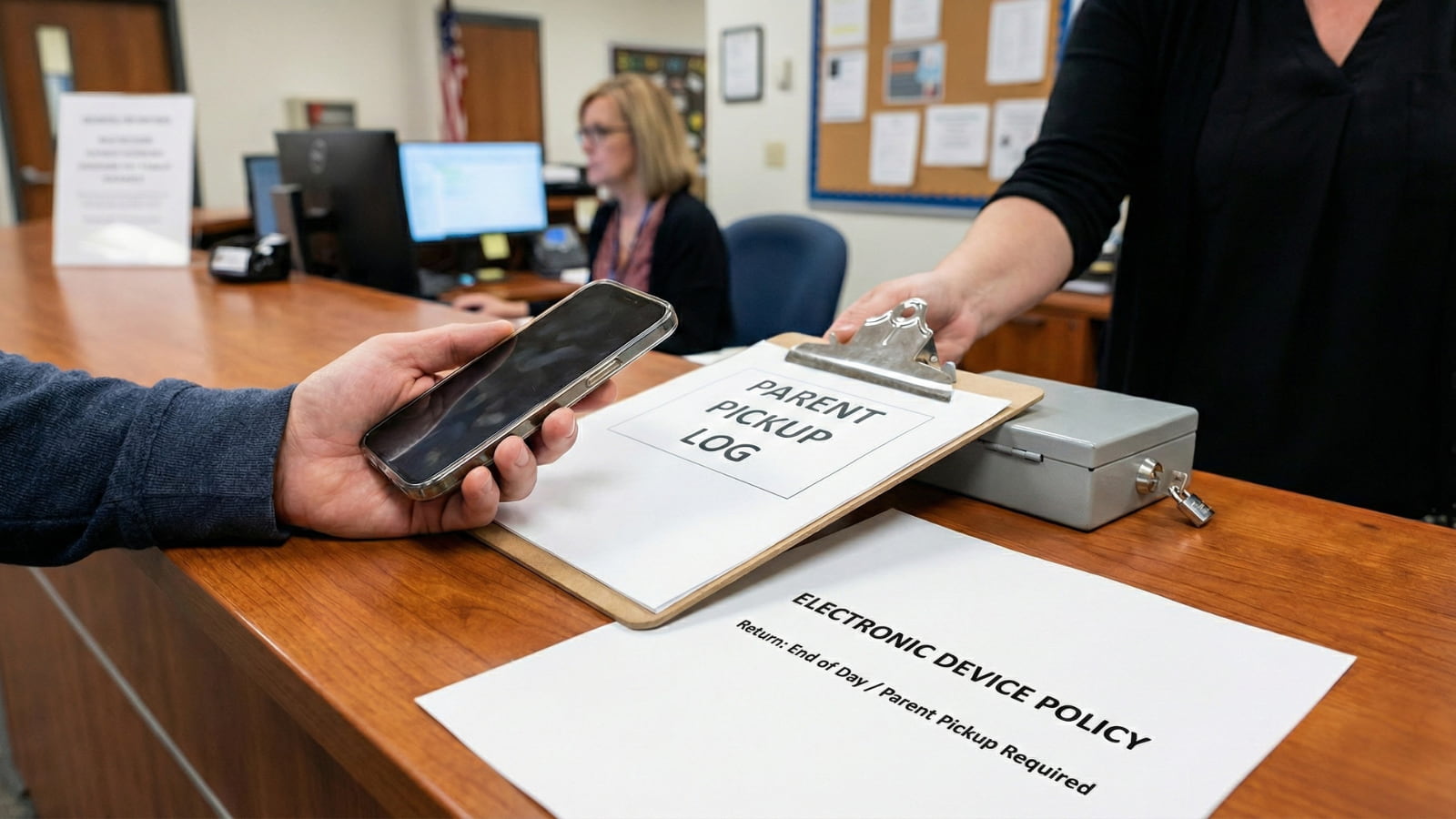
- Check the Handbook: Most Ohio districts require a legal guardian to sign for the device.
- Bring ID: They will check it against the emergency contact list.
- Go Before 3:00 PM: School offices often close shortly after dismissal. If you arrive late, you risk the phone being locked in the safe overnight.
The “Policy Finder” Shortcut (Find Your Rights Fast)
Districts bury return policies in massive PDF handbooks. Don’t read the whole thing. Use this specific search strategy to find the rules that strictly define when they must give it back.
Google this exact phrase: [Your District Name] student handbook pdf
Once open, CTRL+F (Command+F) these exact keywords:
- “Electronic device”
- “Confiscation”
- “Return”
- “Parent pickup”
- “Progressive discipline”
- “Cell phone”
Action: Screenshot the exact paragraph that mentions return timing (e.g., “end of day”). Show this screenshot to the office staff if they claim they “have to” keep it overnight.
Common Confiscation Timeline
While every district is different, most Ohio schools follow this “Progressive Discipline” timeline for 2026. Knowing where you stand helps you predict the punishment.
- 1st Offense: Student Pickup. The phone is confiscated but returned to the student at the final bell.
- 2nd Offense: Parent Pickup. The phone is held in the main office. A parent/guardian must sign it out.
- 3rd Offense+: Escalation. This often triggers a longer hold (overnight or multiple days), “Phone Detention,” or In-School Suspension (ISS).
Note: Your district may be stricter. The Policy PDF always wins over general rules.
Can the School Keep the Phone Overnight?
This is the most common fight parents have. The Short Answer: Usually, no, unless it is a repeat offense.
The Details: Most public school policies view confiscation as a temporary disciplinary measure.
- Standard Policy: The phone is returned at the end of the instructional day.
- The “Phone Detention” Exception: Some districts have a specific policy where they hold the phone for 3-5 days for repeat violations.
- Your Move: If they try to keep it overnight, check your district’s handbook immediately. If the policy does not explicitly authorize an overnight hold, you can request its return.
Action: If they refuse to return it at 3:30 PM, ask: “Please show me the specific section of the code of conduct that authorizes an overnight hold for this offense.”
Where Phones Get Lost or Damaged (And How to Stop It)
The moment your child’s phone leaves their hand, it is at risk. Schools are chaotic, and “confiscation piles” are dangerous.
The Danger Zones:
- The Classroom Drawer: This is high risk. Teachers often toss phones in a desk drawer that isn’t locked. Other students can swipe them when the teacher turns around.
- The “Basket”: Some teachers use a communal basket for confiscated items. This is a recipe for scratches and theft.
- The Office Safe: This is the safest place. It is tracked, logged, and locked.
How to Reduce the Risk:
- Power Off: Tell your child to turn the phone completely off before handing it over. This prevents notifications from annoying staff and protects battery life.
- No Passcodes: Never give the teacher the passcode. They don’t need it to store the phone.
- Request the Office: If a teacher says they will hold it for more than one class period, instruct your child to politely ask: “Can this please be stored in the main office safe for security?”
Can They Search the Text Messages?
Generally, no. Confiscation does not automatically give staff the right to snoop.
- The Rule: They can take the phone away for being “out” or “visible.”
- The Restriction: Schools generally require “reasonable suspicion” of a specific rule violation or safety threat to search the contents.
- “Just Checking”: If a staff member says, “I need to see who you were texting,” your child should politely wait for an administrator or parent to be present.
The “Refusal to Return” Script
If the school is holding the phone and refusing to give it back to you (the parent), stay calm and use this script. Do not scream; use policy language.
Say this to the Principal:
“I understand my student violated the electronic device policy and accepts the consequence associated with that.
However, the device is my personal property, paid for by me. I am here to retrieve it.
Unless there is a specific policy authorizing a multi-day hold for this offense, I am requesting you return it immediately so I can secure my property.”
Does the School Pay if They Break It?
Read your handbook carefully. Almost every Ohio district includes a “Liability Waiver” in the code of conduct stating they are not responsible for lost, stolen, or damaged phones—even while in their possession.
- The Reality: If a teacher puts the phone in a desk drawer and it disappears, the school will likely point to the waiver and refuse to pay.
- The Fix: This is why you must demand the phone back same-day. The longer they have it, the higher the risk.
Frequently Asked Questions
Can a parent send someone else (like a sibling) to pick up the phone?
Usually, no. Most policies specify “Parent or Legal Guardian.” If you absolutely cannot make it, call the office and ask if you can email written permission for a specific adult relative (with ID) to pick it up.
What if I can’t get there before the office closes?
The phone will likely stay in the safe overnight. Call the office immediately and ask if an administrator will be staying late for a board meeting or sports event—they might be able to meet you.
Can they charge a fee to return the phone?
Most public school policies do not allow charging a fee for returning confiscated property, but check your handbook. If they demand money, ask to see the written rule authorizing the charge.
What if the phone is needed for medical monitoring (Dexcom/Heart)?
If the device is listed in an IEP, 504, or medical plan, it should not be confiscated. If it is taken, contact the office immediately to remind them of the medical necessity and request an immediate return.
What if the student is 18 years old?
In Ohio, 18-year-olds are legal adults, but schools can still enforce “student” rules. However, an 18-year-old student can often argue they have the right to sign for their own property. Check if your district policy has an “age of majority” clause.
What if the phone is lost while confiscated?
Report the loss to the school administration in writing immediately. While many schools claim they are “not liable,” documenting the incident with the principal and school board is the first step to seeking a replacement.
This is general info. Your district handbook and the school’s written policy are the final word.
What To Do Today
Don’t wait until the phone is already in the lockbox.
- Search Your Handbook: Find the “Confiscation” and “Return” sections in your district’s PDF. Screenshot them now.
- Talk to Your Student: Tell them if the phone is taken, power it off immediately and ask for it to be stored in the office safe, not a desk drawer.
- Prepare the Script: Save the “Refusal to Return” script above to your notes app so you have it ready if the office calls.

Sarah Johnson is an education policy researcher and student-aid specialist who writes clear, practical guides on financial assistance programs, grants, and career opportunities. She focuses on simplifying complex information for parents, students, and families.