⏱️ Read Time: 3 Mins
Getting a message that an Income-Driven Repayment plan is finally approved should be a relief.
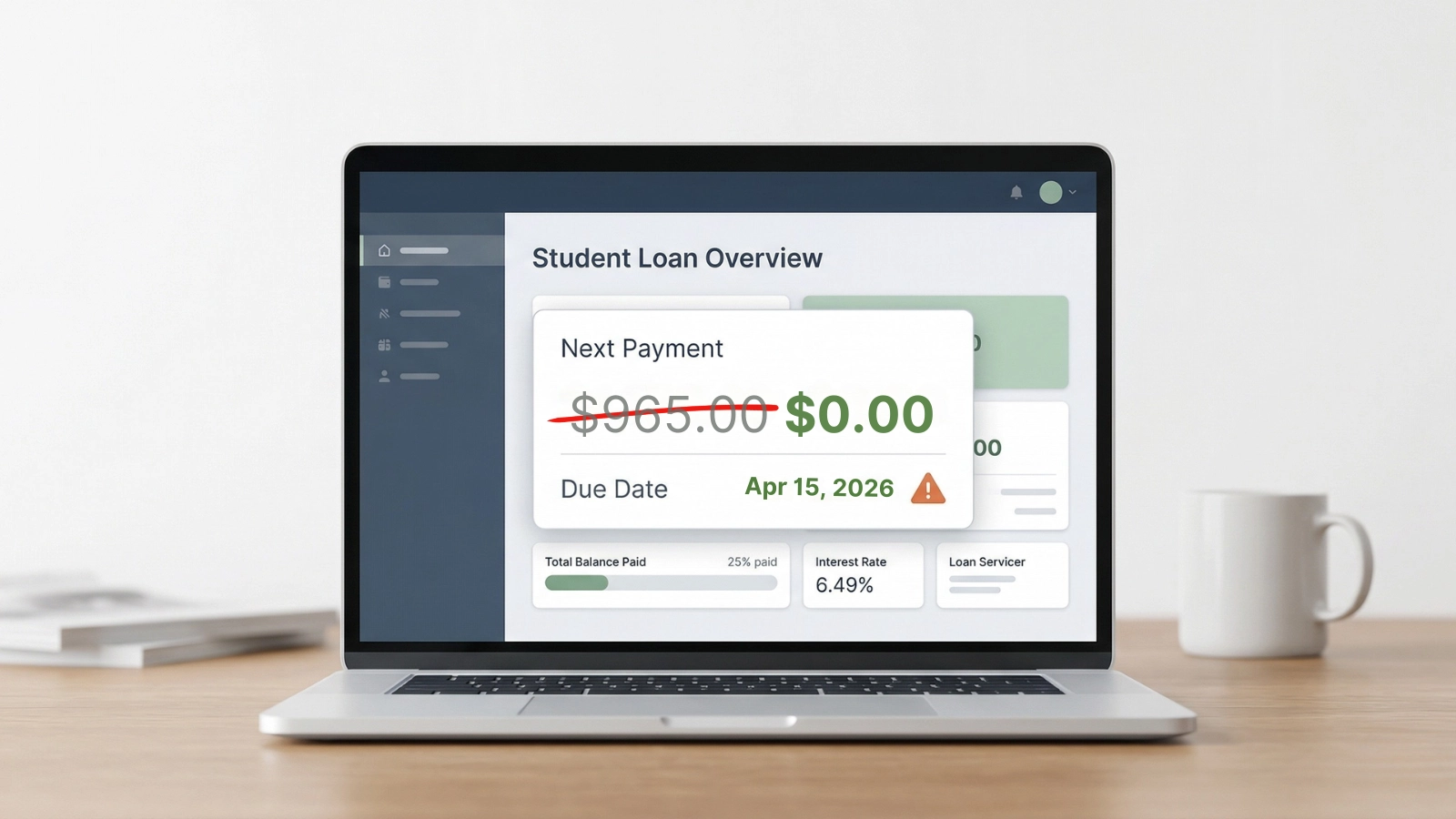
Instead, the MOHELA dashboard might still display the same large payment sitting there. Or worse, it just shows zero dollars with a confusing due date. Thousands of borrowers are stuck in this middle ground between approval and actual billing right now.
This is one of the most common MOHELA delays right now, and it can lead to accidental overpayment if ignored.
Why Your Payment Still Hasn’t Updated
There is a disconnect between the system that approves the paperwork and the software that generates the bill.
Placeholder Letters: The first letter generated often just says “IDR Approved” as a placeholder before a processor finalizes the repayment tier.
Outdated Billing Cycles: An approval notice might generate after MOHELA already locked in a standard billing statement for the upcoming month.
System Migration Lags: The updated Federal Student Aid platform can take several days to sync adjusted gross income data back to MOHELA servers.
If your MOHELA payment hasn’t updated after approval, these related issues explain what’s happening:
Why “IDR Approved” Doesn’t Change Your Payment Yet
An approval letter does not instantly flip the switch on the account.
MOHELA has accepted the income verification, but they have not finished building the actual 12‑month repayment schedule. Until that schedule generates, the dashboard is showing a temporary amount because the new IDR calculation hasn’t been applied yet.
If the portal still shows a large standard payment, that is usually just the default safety net the system uses when it lacks clear instructions.
If it shows zero dollars, the account was likely bumped into a temporary processing forbearance while the system hasn’t recalculated your monthly payment yet.
This delay typically resolves only after the new repayment schedule is fully generated in the system.
What Happens If Your Due Date Hits Before It Updates
You can still be billed the old standard amount.
Auto‑pay may withdraw the full higher payment.
Your account can show past due status despite approval.
Any correction later usually requires a manual refund or adjustment.
What You Should Do Before Your Next Due Date
Assuming the system will fix itself before the next due date is risky.
First, check the exact wording on your letter. If it broadly says “IDR” without naming a specific plan like IBR or PAYE, the application is still in the review pipeline.
Next, turn off any active auto‑pay settings. It is dangerous to let an outdated billing system automatically draft a large standard payment while waiting for the math to settle.
Finally, call the MOHELA resolutions department directly. Do not settle for basic support. Ask a resolution specialist to verify if a manual processing forbearance is protecting the account from going past due.
Keep making screenshots of the current dashboard every few days. Having a solid paper trail is the best defense against administrative errors right now.

Sarah Johnson is an education policy researcher and student-aid specialist who writes clear, practical guides on financial assistance programs, grants, and career opportunities. She focuses on simplifying complex information for parents, students, and families.