⏱️ Read Time: 3 Mins
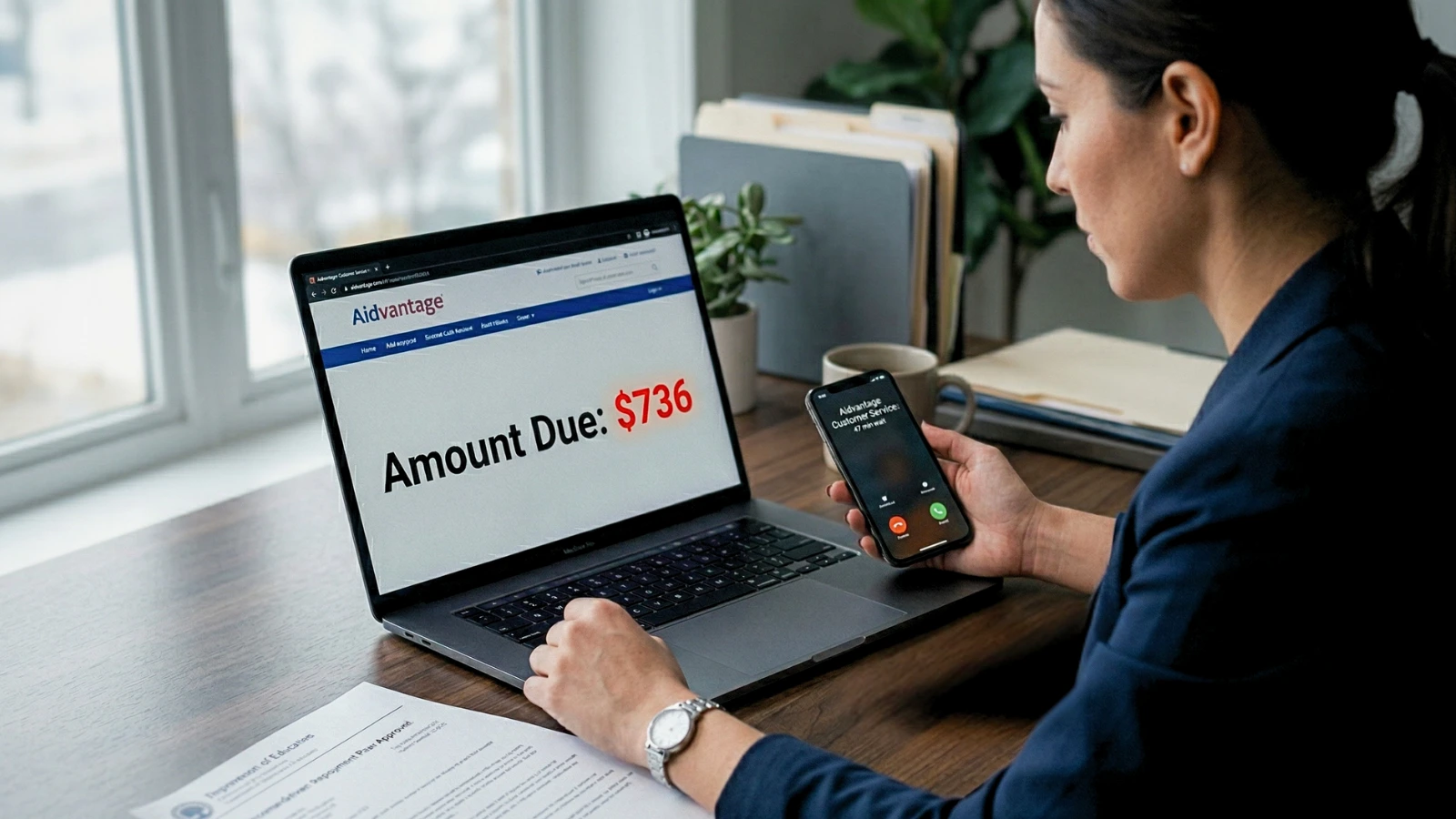
If your Aidvantage payment suddenly looks 2–3x higher after IDR approval, something is off.
You applied for an Income-Driven Repayment plan to make payments affordable, but the system is displaying something completely different. There are a few specific technical reasons this happens right after getting an approval notice.
Why The Payment Number Looks Wrong
The Standard Plan Placeholder: While Aidvantage finishes processing the final math for your IDR, their system often defaults your display to the heavier 10-year standard repayment amount.
Income Miscalculation: Processors sometimes pull your gross income instead of your Adjusted Gross Income from tax returns, inflating the calculation.
System Lag: A temporary system mismatch between the federal Student Aid platform and Aidvantage’s billing software can cause your dashboard to show the wrong number until the update completes.
If your approved IDR amount isn’t matching what you see, check these next:
What This Number Actually Means
Seeing that massive number does not automatically mean you owe it next month. You are not expected to pay that higher amount if your approval shows lower.
In most cases, this is just a temporary system mismatch caused by a lag between the federal Student Aid system and the Aidvantage billing software.
If the due date is still weeks away, that inflated number is likely just a placeholder sitting on your account.
Exactly What You Should Do Next
You cannot just let the wrong amount sit there, because the system will eventually try to draft that inflated number.
First, turn off Auto Pay immediately if you are currently enrolled. This protects your bank account from getting drained by a system error while you dispute the math.
Next, compare your approval letter to your dashboard. If the official approval email states a lower payment than what the Aidvantage portal currently shows, you have written proof of the error.
Finally, call the Aidvantage customer service line. Tell the representative your IDR was either calculated using the wrong income metrics or that a standard payment is showing instead of your approved IDR amount.
Ask them to place your account in an administrative forbearance while they fix the calculation error. This gives you a temporary buffer where no payment is due while they sort out the glitch.
Do not let the incorrect amount sit without action, especially if your due date is close.

Sarah Johnson is an education policy researcher and student-aid specialist who writes clear, practical guides on financial assistance programs, grants, and career opportunities. She focuses on simplifying complex information for parents, students, and families.